Words made tangible
A beautiful word wall, made by you.
Turn the words they deserve into a design they'll keep
Start making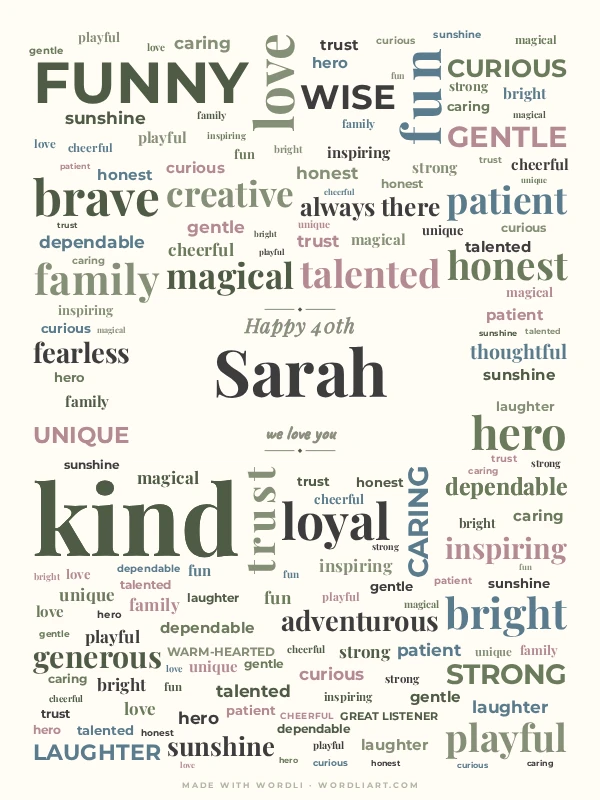
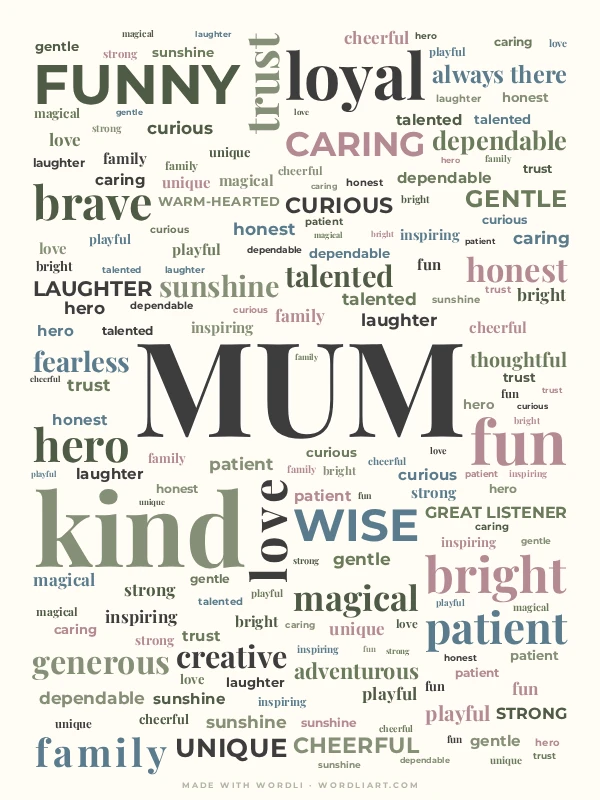
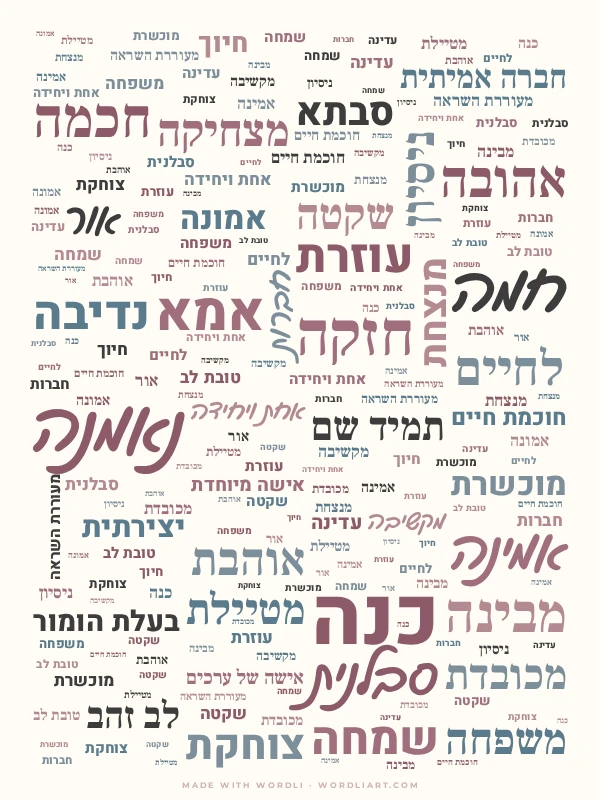
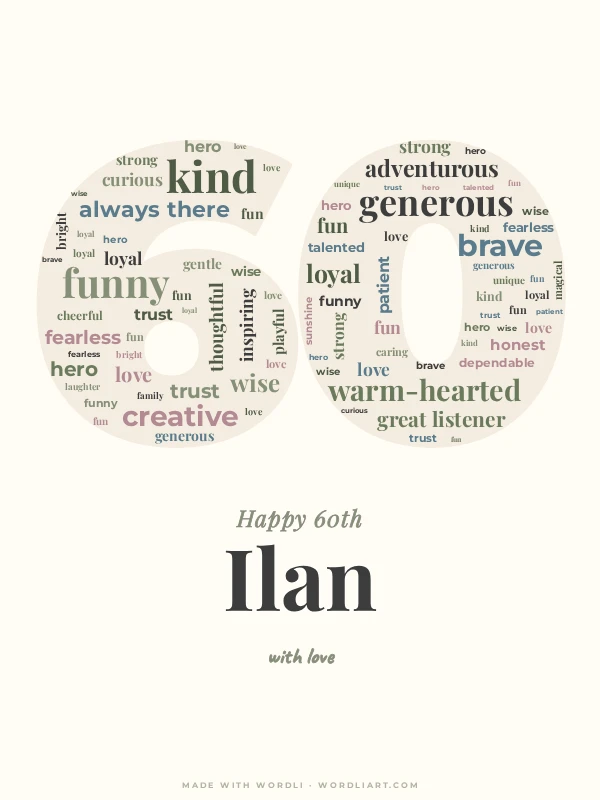
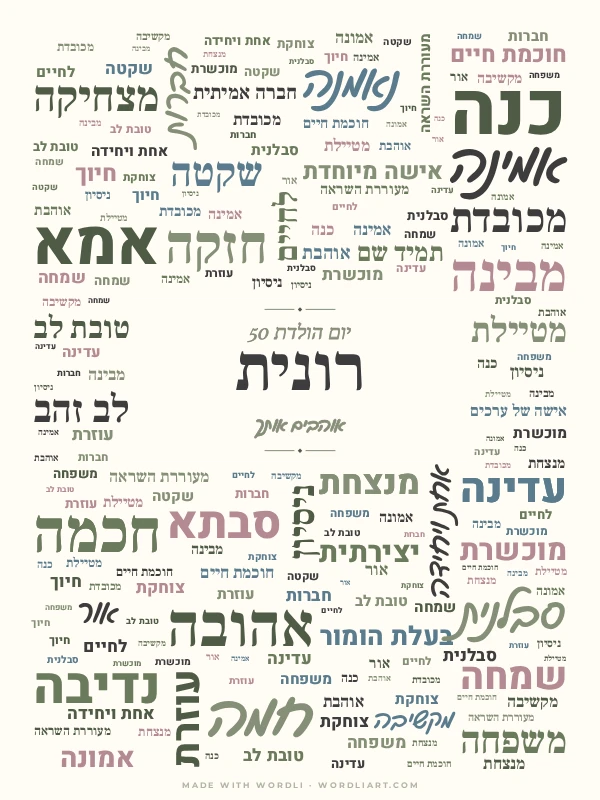
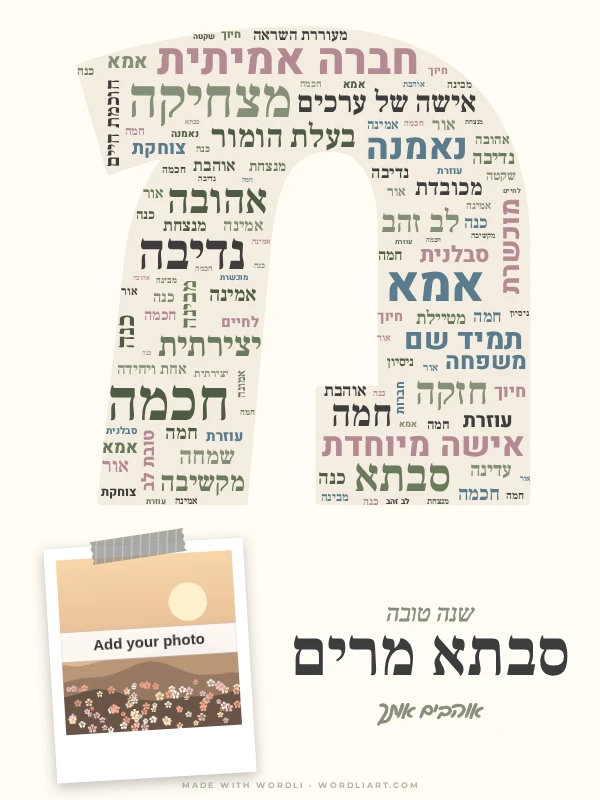
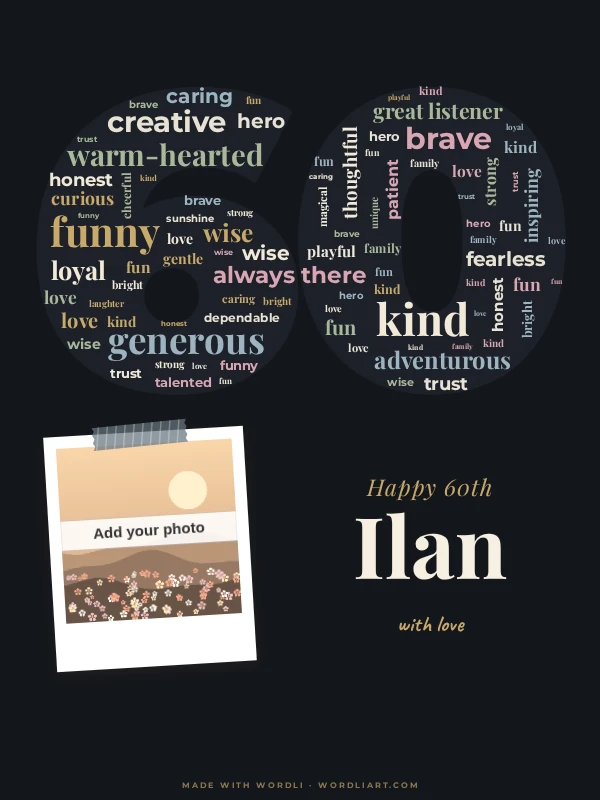
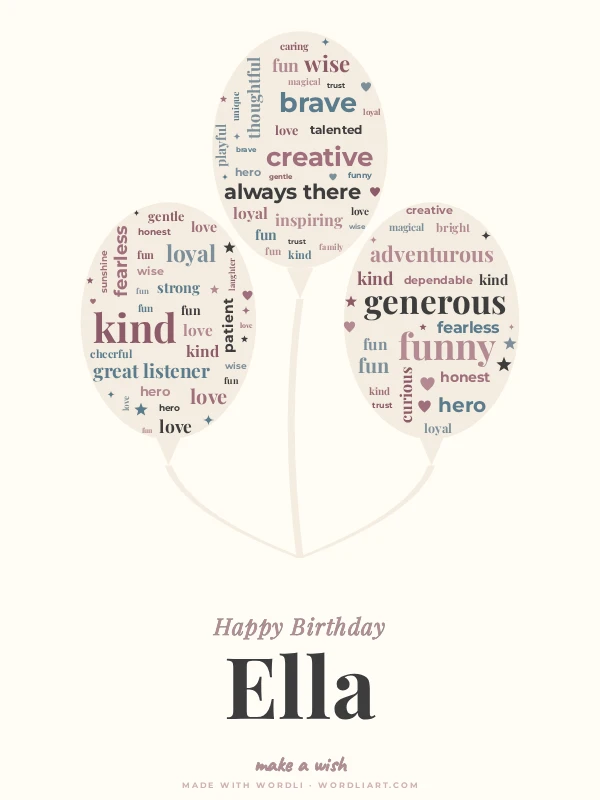
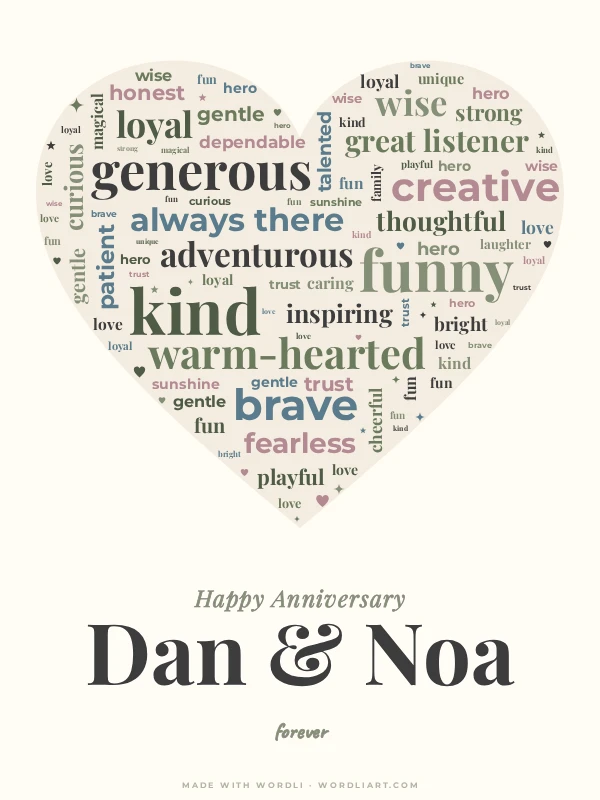
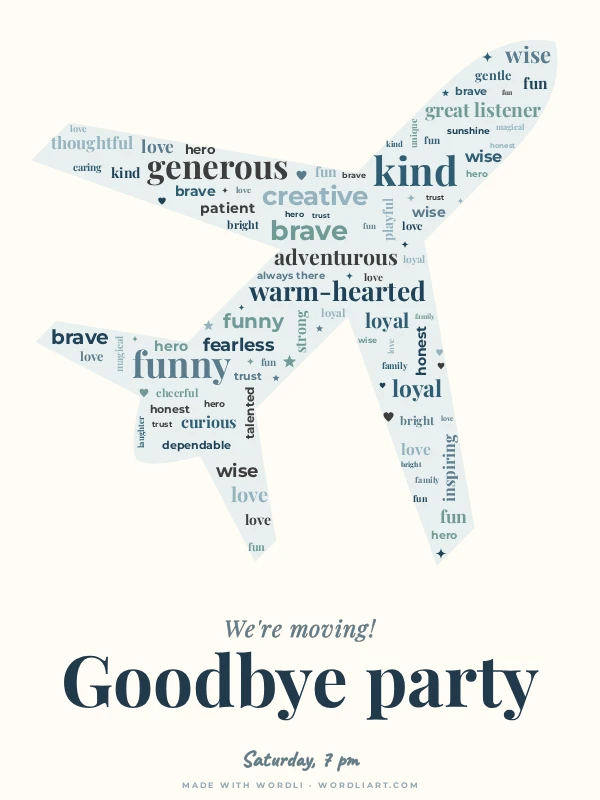
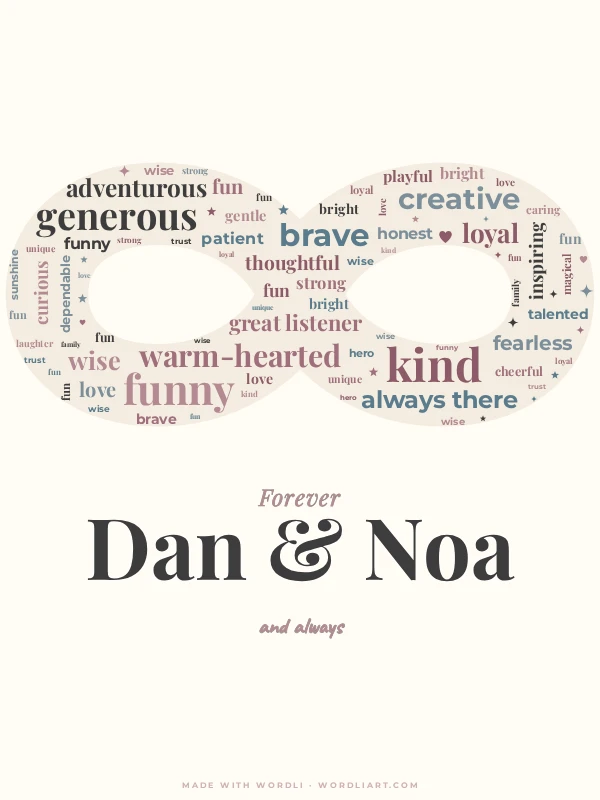
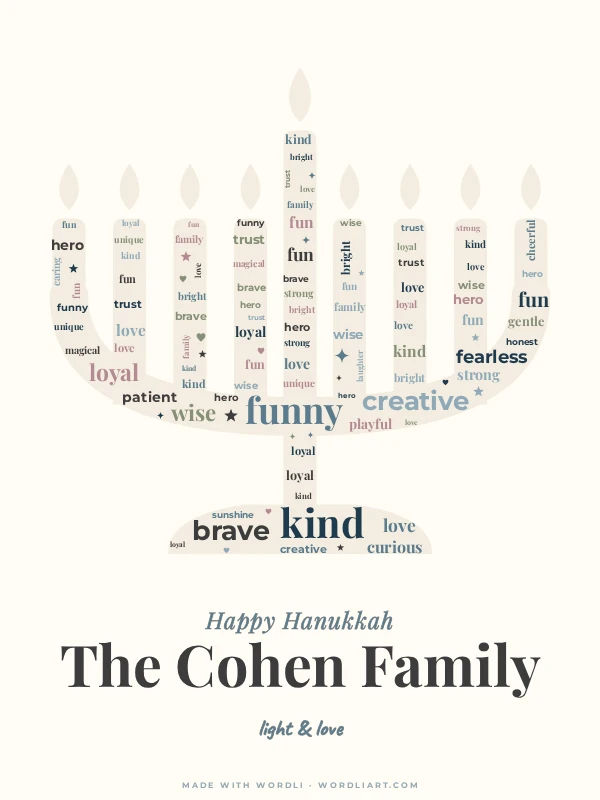
Word wall with a dedication
01Dedication
Dedication
Up to three short lines of text
One big central word in the design
This shape only fits one at a time — pick a different shape under Shape & design to use both.
02Shape
Shape
03Words
34 words
Words
34 words
Separate words with commas, full stops or new lines.
Tip: Add a number to make a word bigger (e.g. kind 100)
04Look
SageNo photo yet
Look
SageNo photo yet
Palette
Add photo
Stays on your device. Nothing is uploaded.
Fill gapsWords on
Small repeats fill empty space; turn off to show each word once.
Tiny hearts, stars and sparkles in the empty spaces.
Advanced editing
Words font
Words fonts
Dedication & Big word
Dedication background
Background & Frame
Artistic touchesBeta
Early experiment - results may vary. Feedback welcome.
Decorations are available with shape and photo designs.
Your design stays on your device. Photos are never shared.
Keep editing anytime. Anyone with the link can open a copy
We review it. Nothing goes public without approval
Frequently asked questions
Designs, greeting cards, and digital keepsakes you can share or save — pick a shape, add your words, and get something ready to print or send in seconds.
Yes — every design can be exported as a ready-to-print, folded greeting card. After finishing your design, click Download, then choose “Greeting card (folded)” from the size/format options before downloading.
Not at all. Pick one of the gallery examples and you'll have a finished design in seconds — or start from scratch if you enjoy the creative process.
Yes — open any example in the gallery and quick-edit the words, colors or shape, then continue in the full editor if you want to keep going.
Birthdays, weddings, anniversaries, holidays, home decor, and any moment you want to turn into something meaningful — just gather the words and pick a shape.
Yes — use a photo as a full background, a centered image within the layout, or a polaroid-style framed photo.
Yes, Wordli is free to use.
Yes — Wordli is built mobile-first, so it works great right in your phone's browser.
Yes. Click "Save for later" (below the preview, next to Download and Share) to get your personal edit link. Keep it somewhere safe — email it to yourself or save it in your notes. Opening the link later brings your design back exactly as you left it, on any device, ready to keep editing. Good to know: photos aren't included in the link (they never leave your device), so you'll just add them again. Your latest design is also kept automatically on this device and browser, but the link is the safest way to come back to it.
No — any photo you add stays entirely on your device and is never uploaded to a server.
Personal use is always free. For commercial use — like selling designs on Etsy — ; a commercial license is coming soon.